
Ready-made skills
Browse the store, tap install, done. Skills update themselves, and every listing shows what it can access before you add it.
Skills
A skill gives Mono a new ability: brief you in the morning, track a flight, watch a price. Install them from the store, or describe a job in plain words and Mono sets it up as a task.
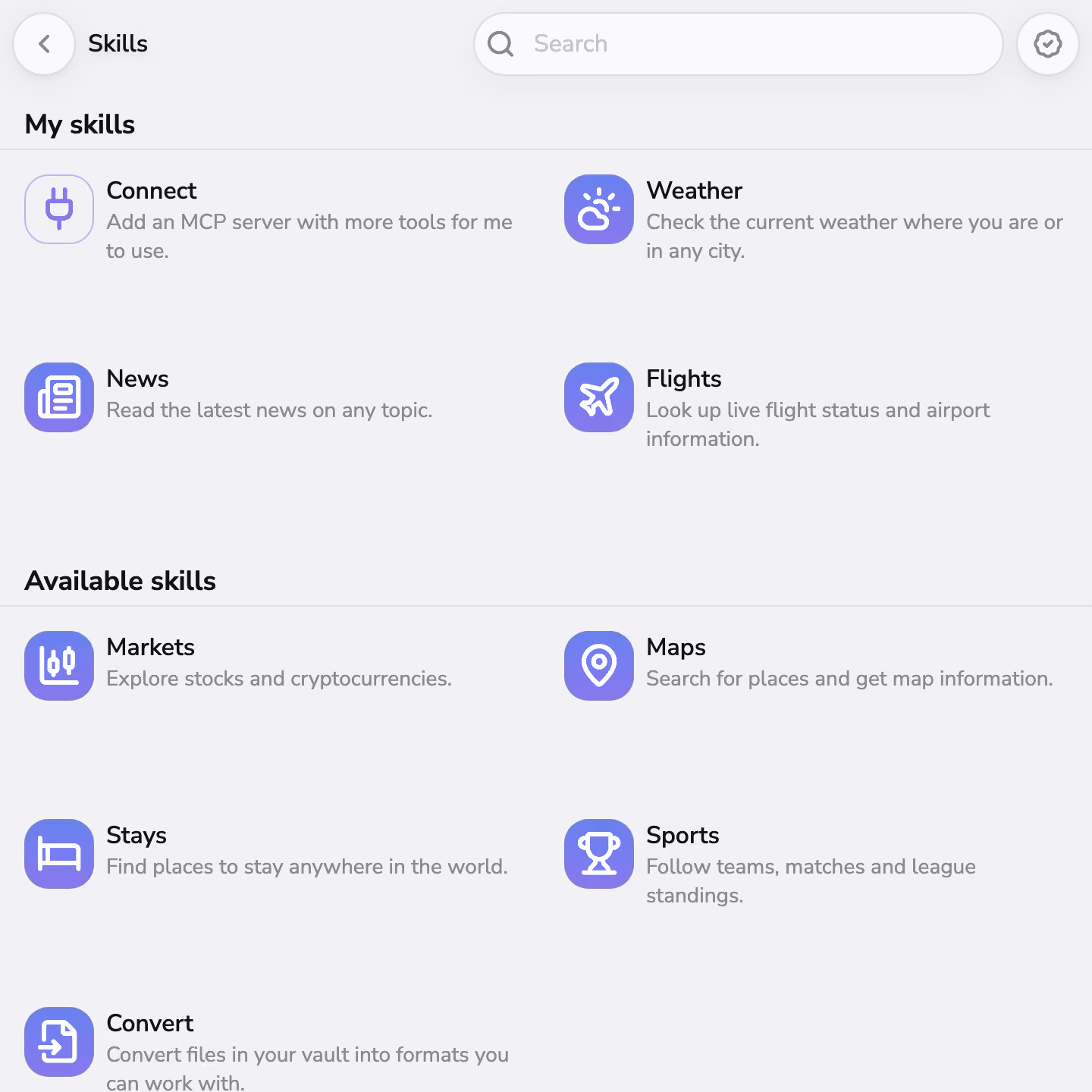
Browse the store, tap install, done. Skills update themselves, and every listing shows what it can access before you add it.
When the store doesn’t have what you need, describe it in plain words. Mono sets up a task, tries it, and saves it once it works. No code involved.
Skills show results as widgets: headlines, charts, and lists that refresh on their own. In the chat, type /flight LH400 and the skill answers right there.
Store skills are verified, each one lists exactly what it can access, and anything that wants to run a script asks you first. Remove a skill and everything it added goes with it.
Install one from the store, or describe a job and Mono sets it up as a task.
Some skills ask for basics first, like your city or a flight number. That is the whole setup.
Results land as widgets on your home screen, replies in your chat, or scheduled runs with Tasks.
Install it once. It shows up wherever it is useful.
Find one in the store, or describe it and Mono sets it up as a task.
Most skills start in the store: pick one, install it, done. When the store does not have what you need, describe the job in plain words and Mono sets it up as a task. Either way, there is no code involved.
Once installed, a skill keeps itself current. Updates arrive quietly in the background, and if one ever asks for new access or wants to run a script, Mono holds it back and asks you first.
Skills that run locally cost nothing, ever.
Every listing shows what a skill can reach before you install it.
A slash command works the moment its skill is installed.
Remove a skill and its widgets, commands, and data go with it.
Leave your email and we'll write to you when Mono is ready to download.
