Up to 90 days ahead
Schedule a post from one minute to 90 days out, in your device’s local time. Studio publishes from the server, so the app can stay closed.
Scheduling & Analytics
Pick a time for each post and close the app. Studio publishes from the server, then shows you what every post did on every network.
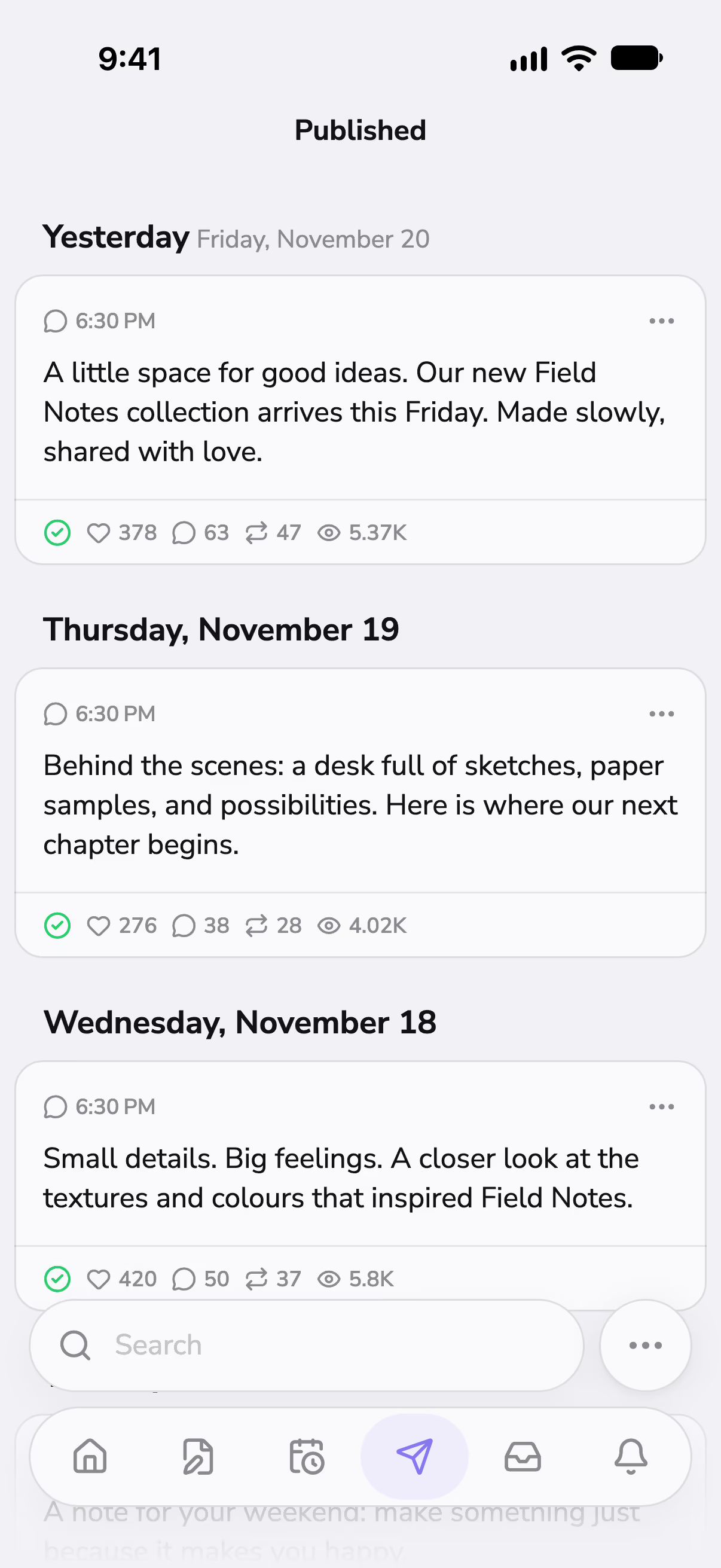
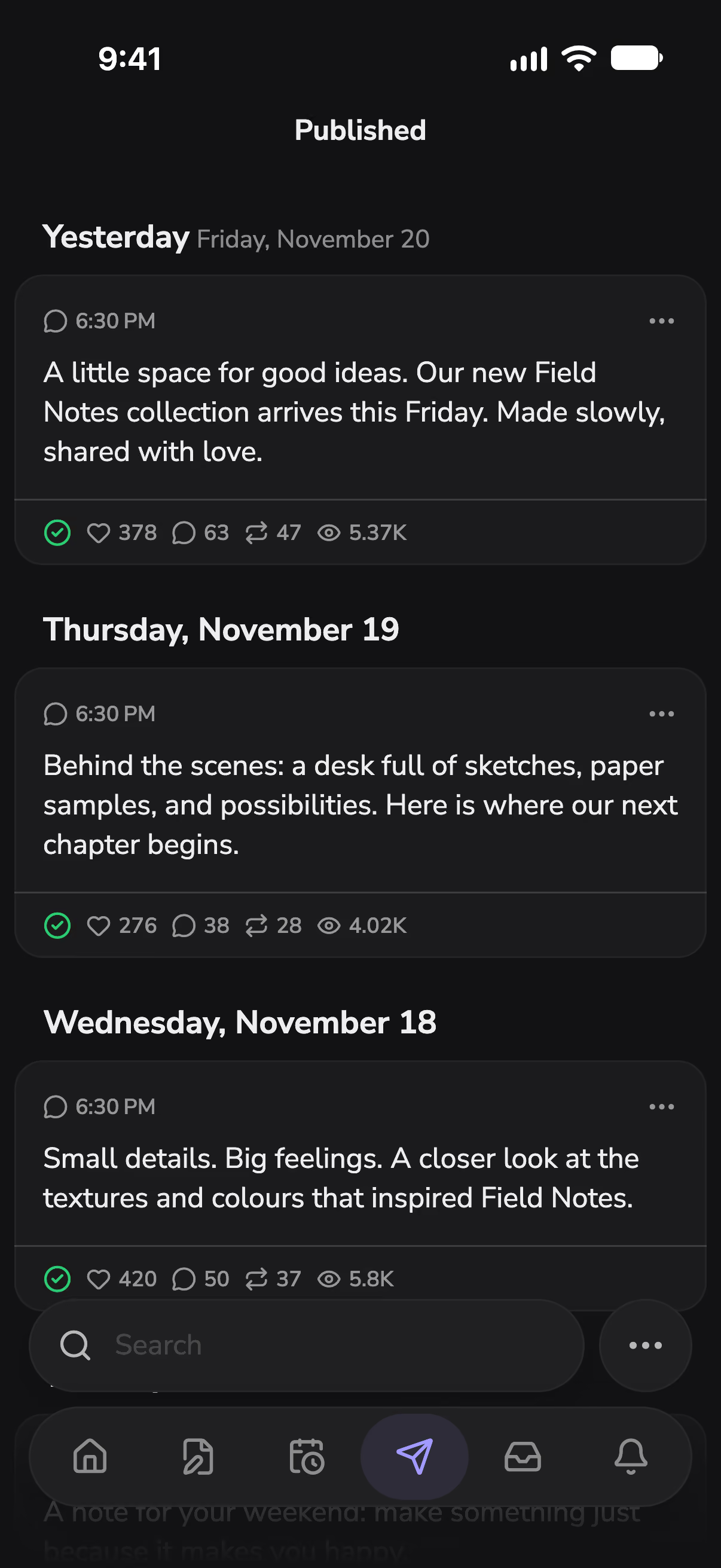
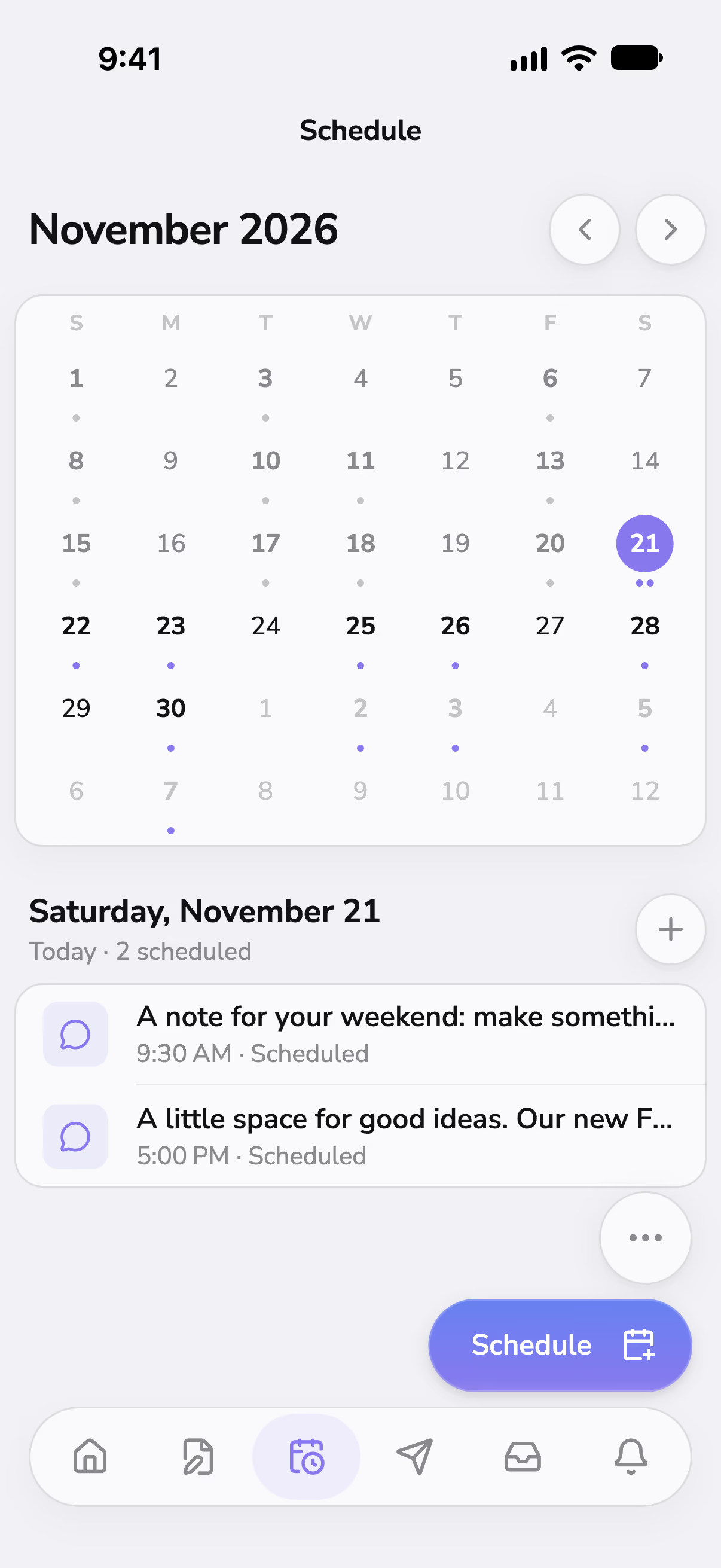
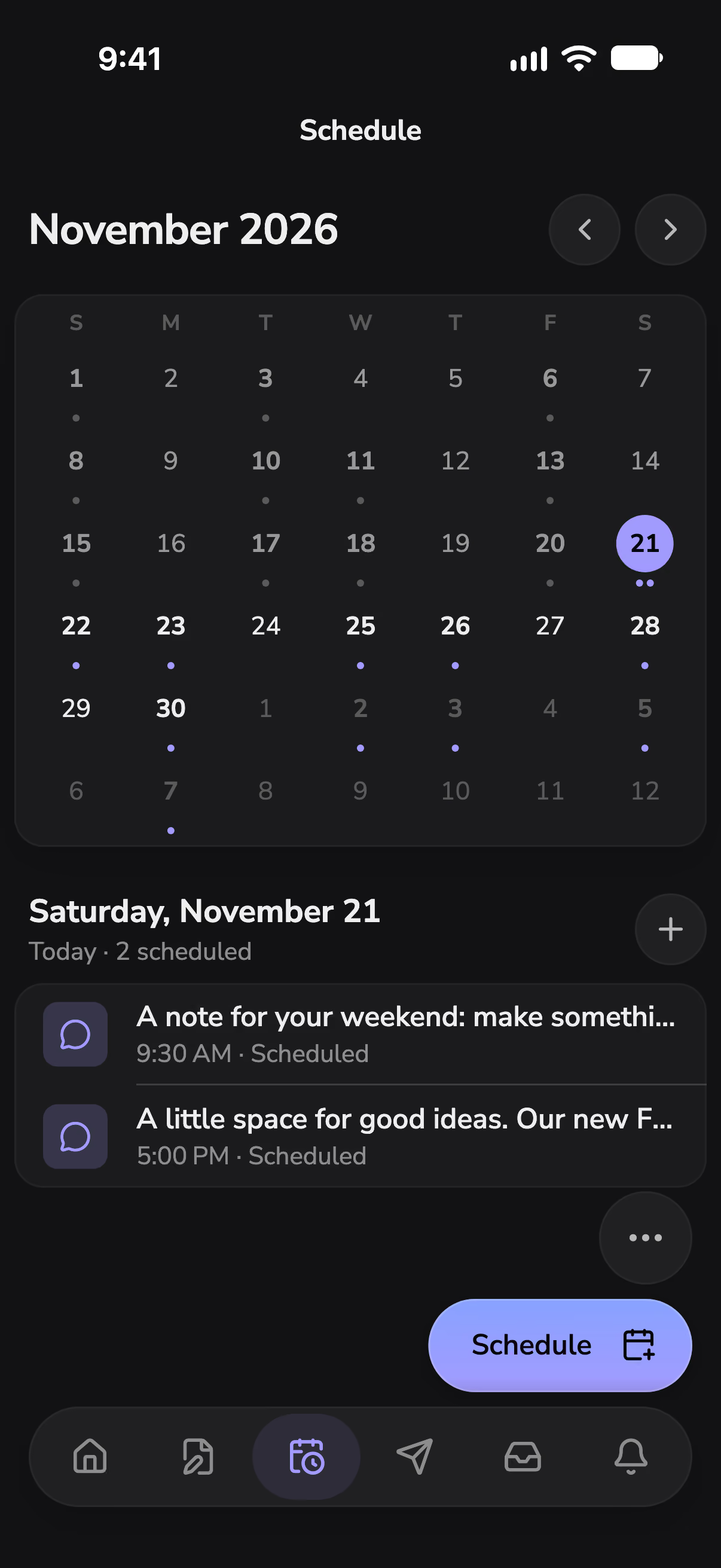
Schedule a post from one minute to 90 days out, in your device’s local time. Studio publishes from the server, so the app can stay closed.
The Schedule tab shows what’s coming as a list or on a calendar. Reschedule a post or move it back to drafts from there.
A scheduled post goes to each network you chose, in the wording you gave it. If one network fails, the others still go out, and you only pay for what went out.
Views, reactions, comments, and reposts, from each network that reports them. Studio reads them for three days after publishing and shows when it last updated.
Follower history for every connected account, with notifications for traction and for followers gained or lost when you turn them on.
Drafts, scheduling, and statistics cost nothing. Credits are spent when a post goes out. If your balance can’t cover a scheduled post, nothing goes out and you get a notification.
Write your post and choose its networks. Change the wording for one of them if it needs it.
Choose Schedule and set the day and time. The post joins your list and calendar.
After it goes out, open the post to see how it did on each network.
Every audience starts small: one idea, one draft, one post. Take Studio with you and show up everywhere, without the busywork.
Get started