Chat that knows you
Conversations build a personal memory you can read, edit, pause, or delete.
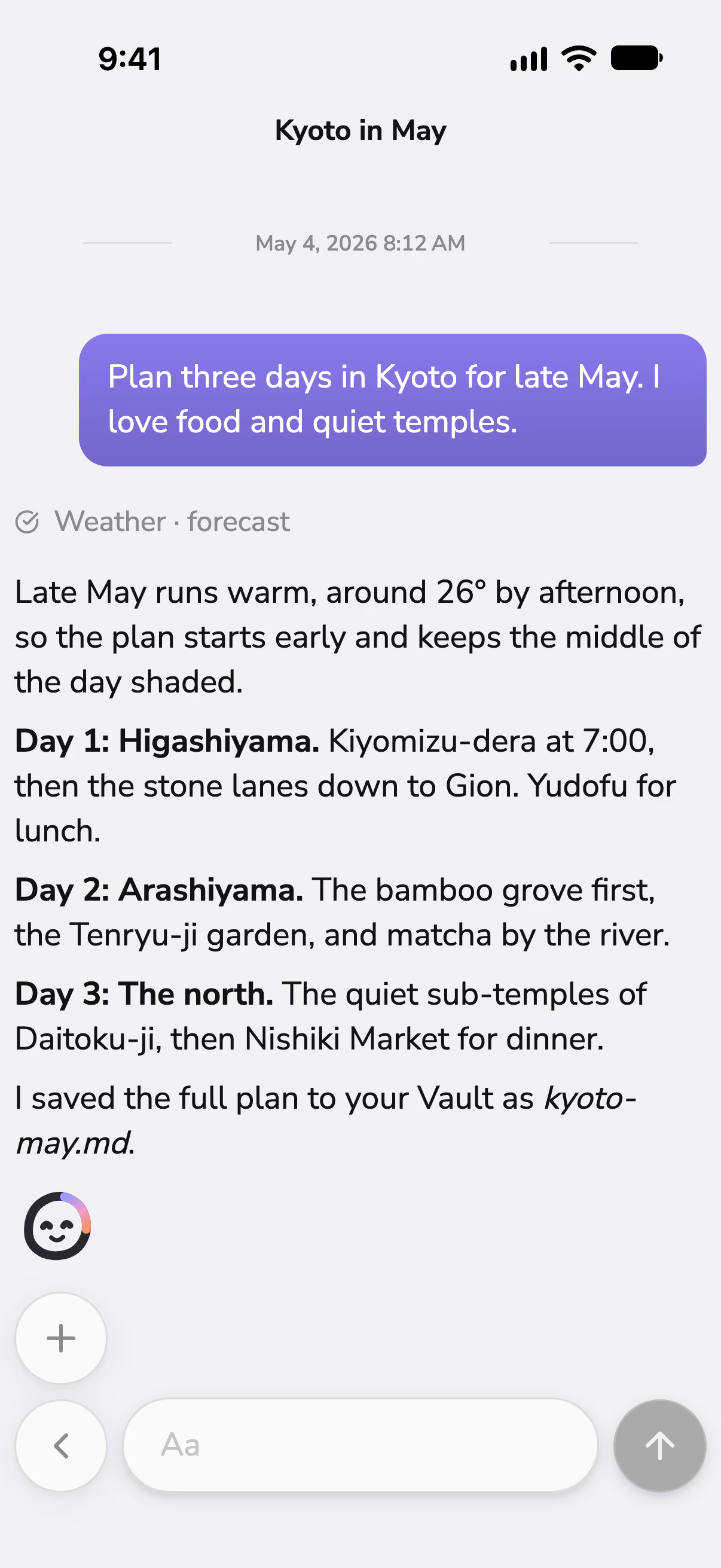
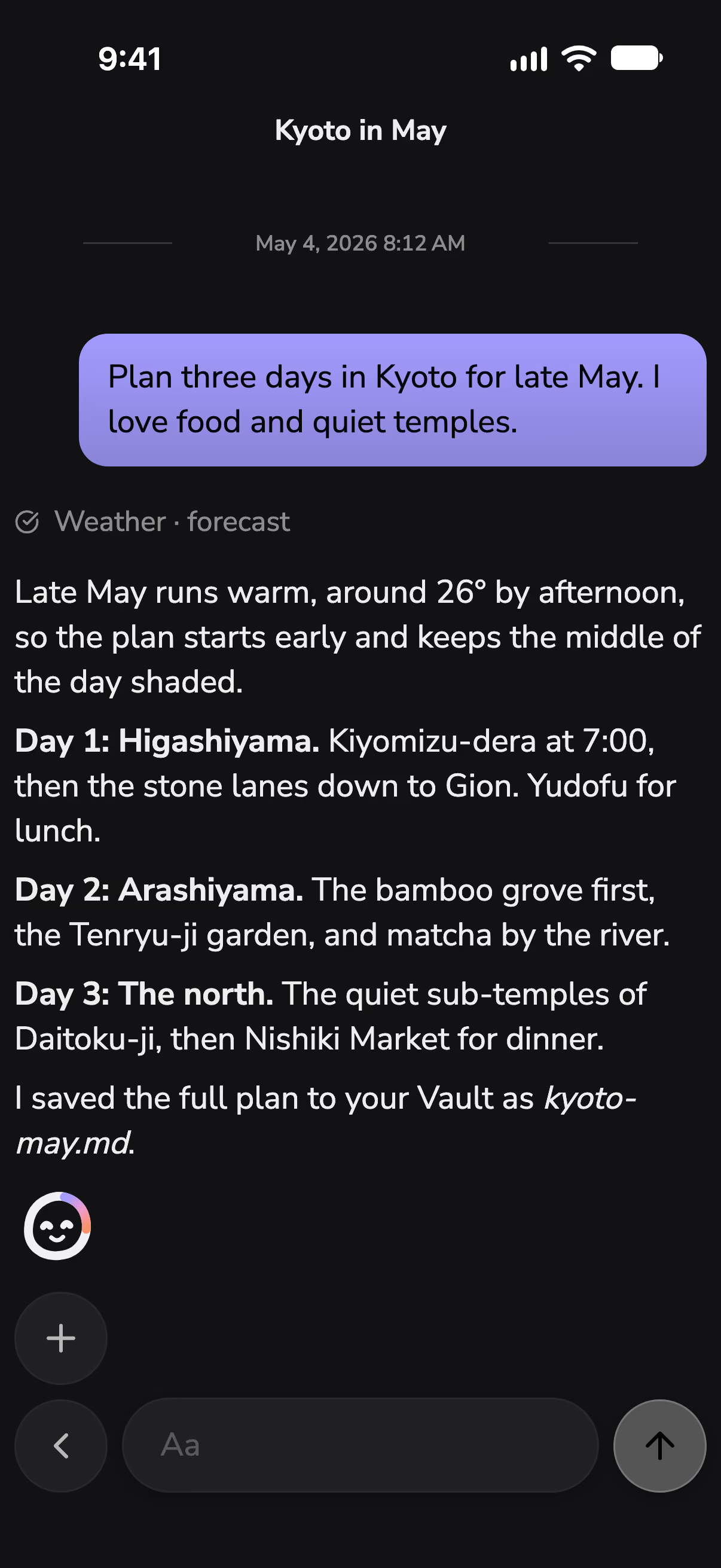
Ask anything. Turn ideas into reality. Set up small automations that handle the boring parts of your day. One app on all your devices, with conversations only you can read.
What’s in the app
Chat, file storage, coding tools, email, and scheduled automations. Each one works with the others.
Conversations build a personal memory you can read, edit, pause, or delete.
Conversations that leave no trace.
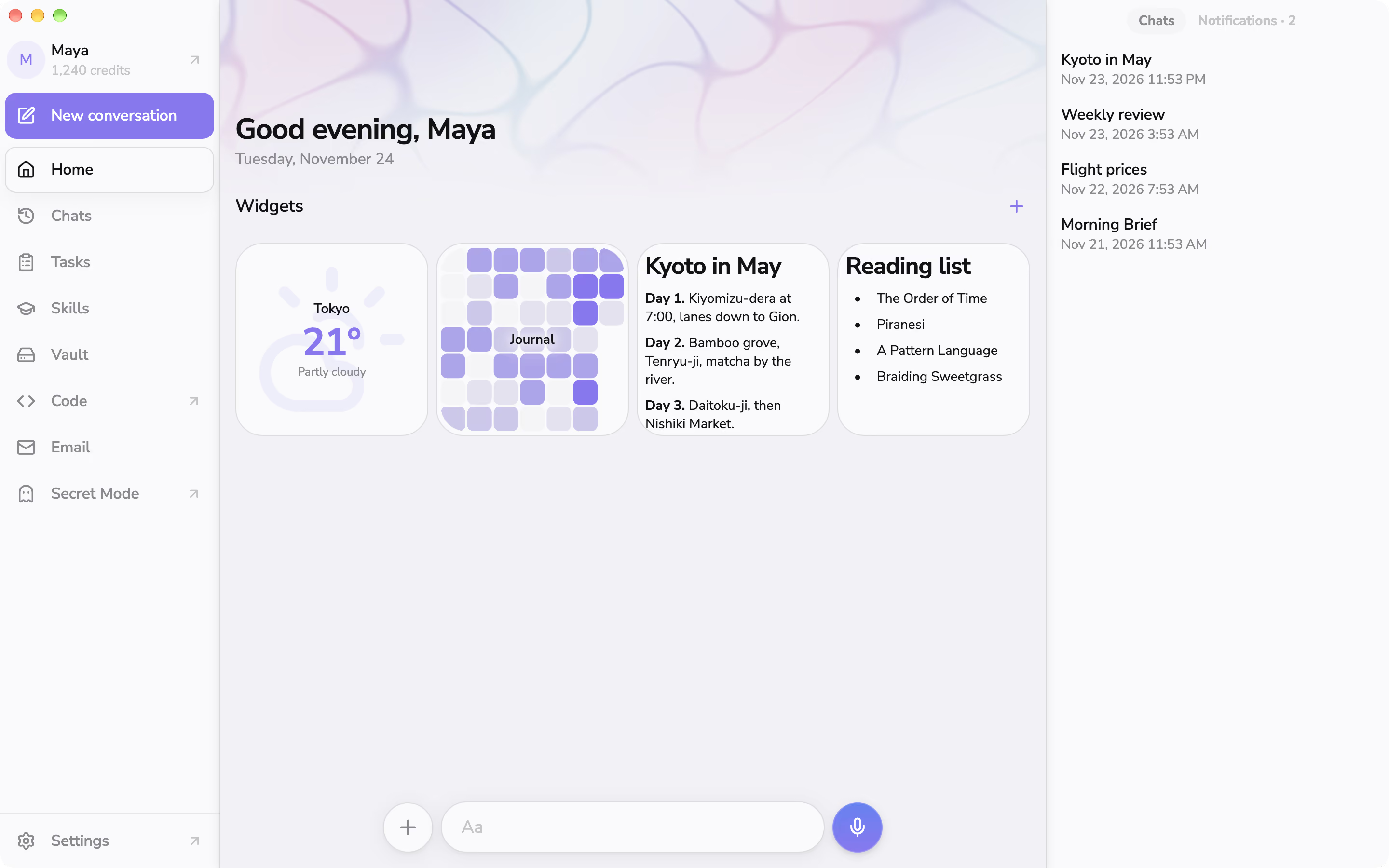
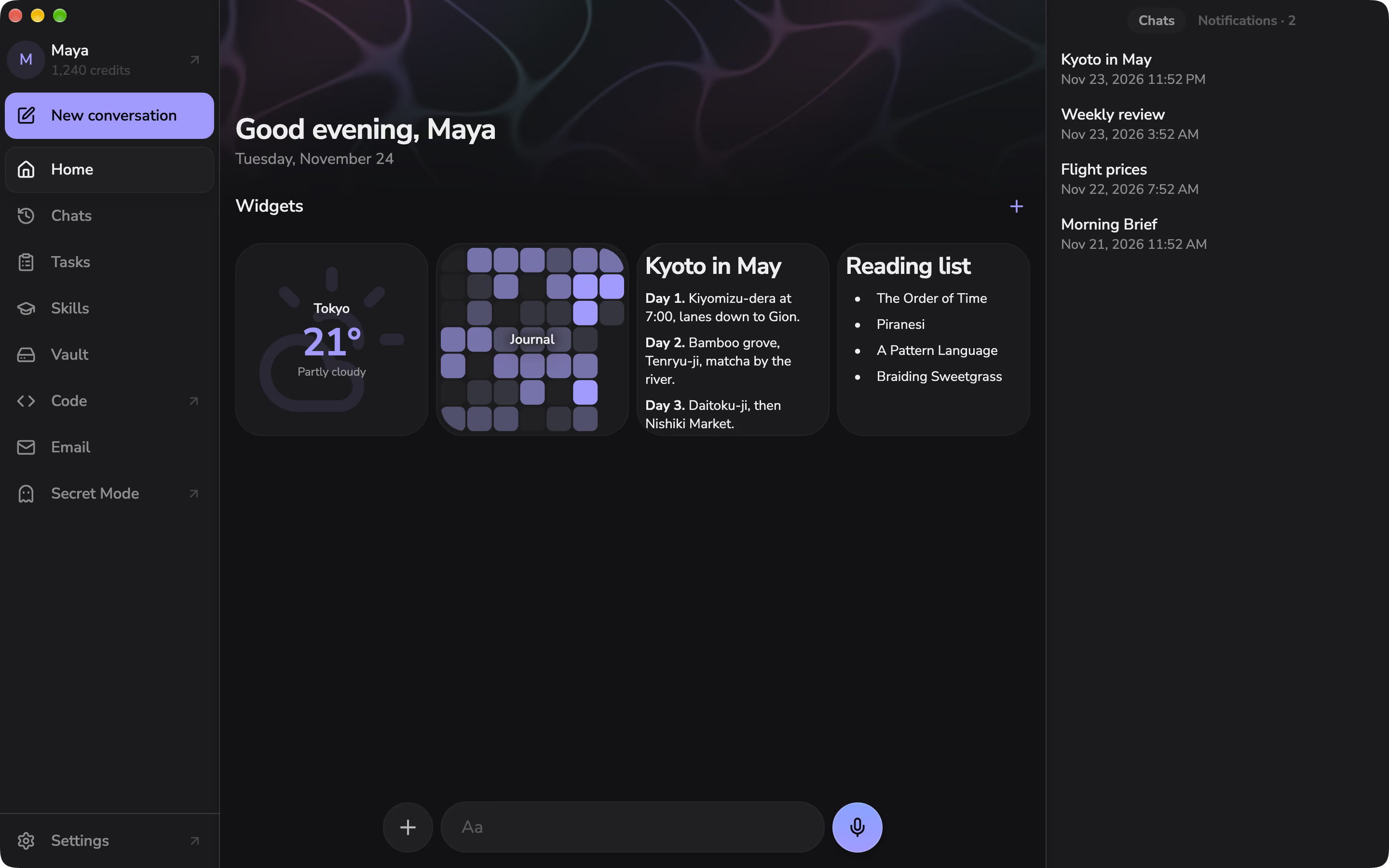
Your home screen shows charts, metrics, lists, and heatmaps from your skills, in the groups and sizes you choose.
Describe a job in your own words, or run any skill daily or on demand.
Run Claude Code, Codex, Gemini CLI, and more in the cloud or on your own computer, from any device.
One place for the files, photos, and notes you want on every device.
Mono can use your phone’s calendar and reminders, and connect to Notion, Slack, Linear, GitHub, and any MCP server.
Already run your own model or coding agent? Point Mono at it, choose what it answers, and pay nothing for what runs on your side.
Talk instead of typing, attach photos and files, and export any conversation as Markdown to Vault or your files.
Sign in through your team’s own provider, and turn features off per person.
Skills
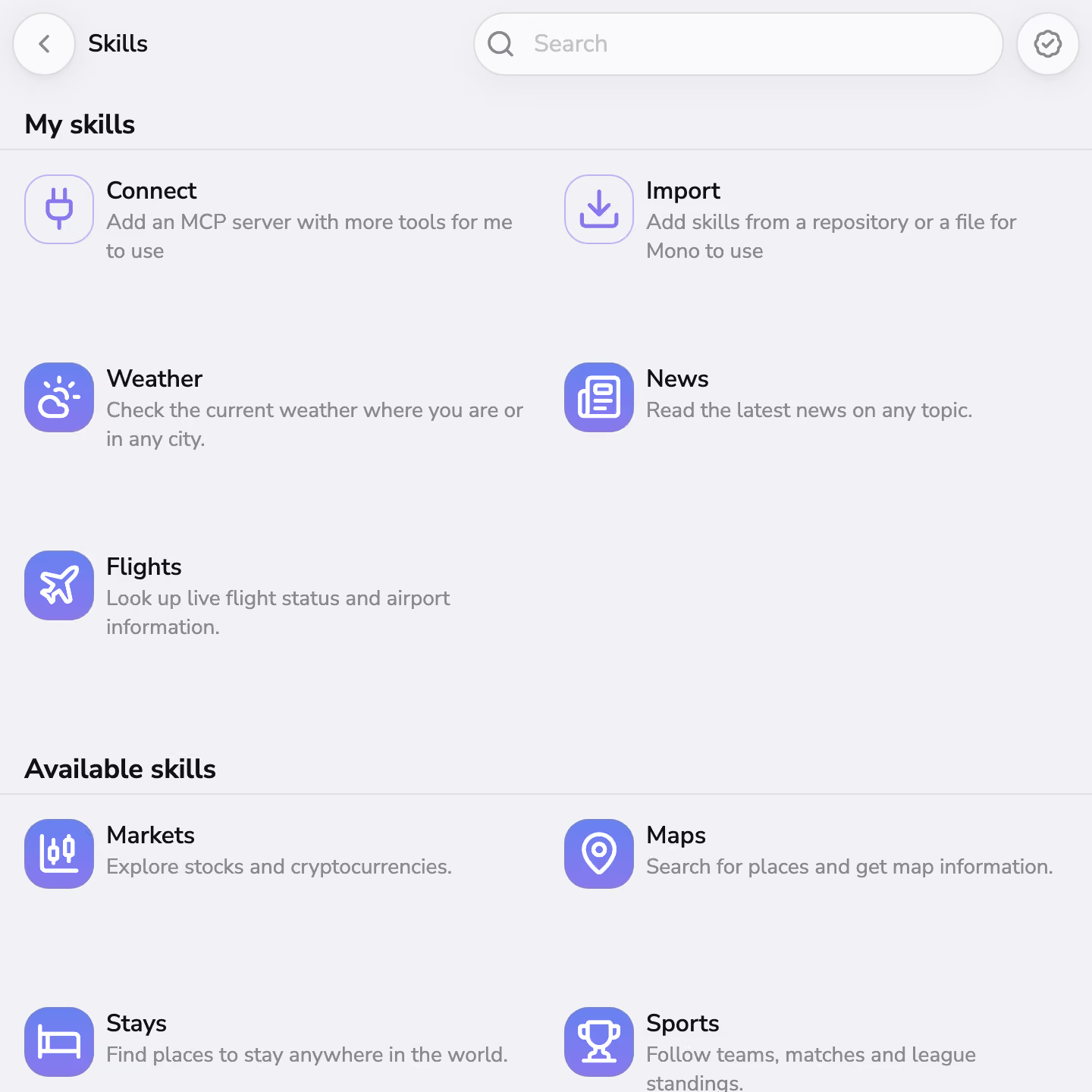
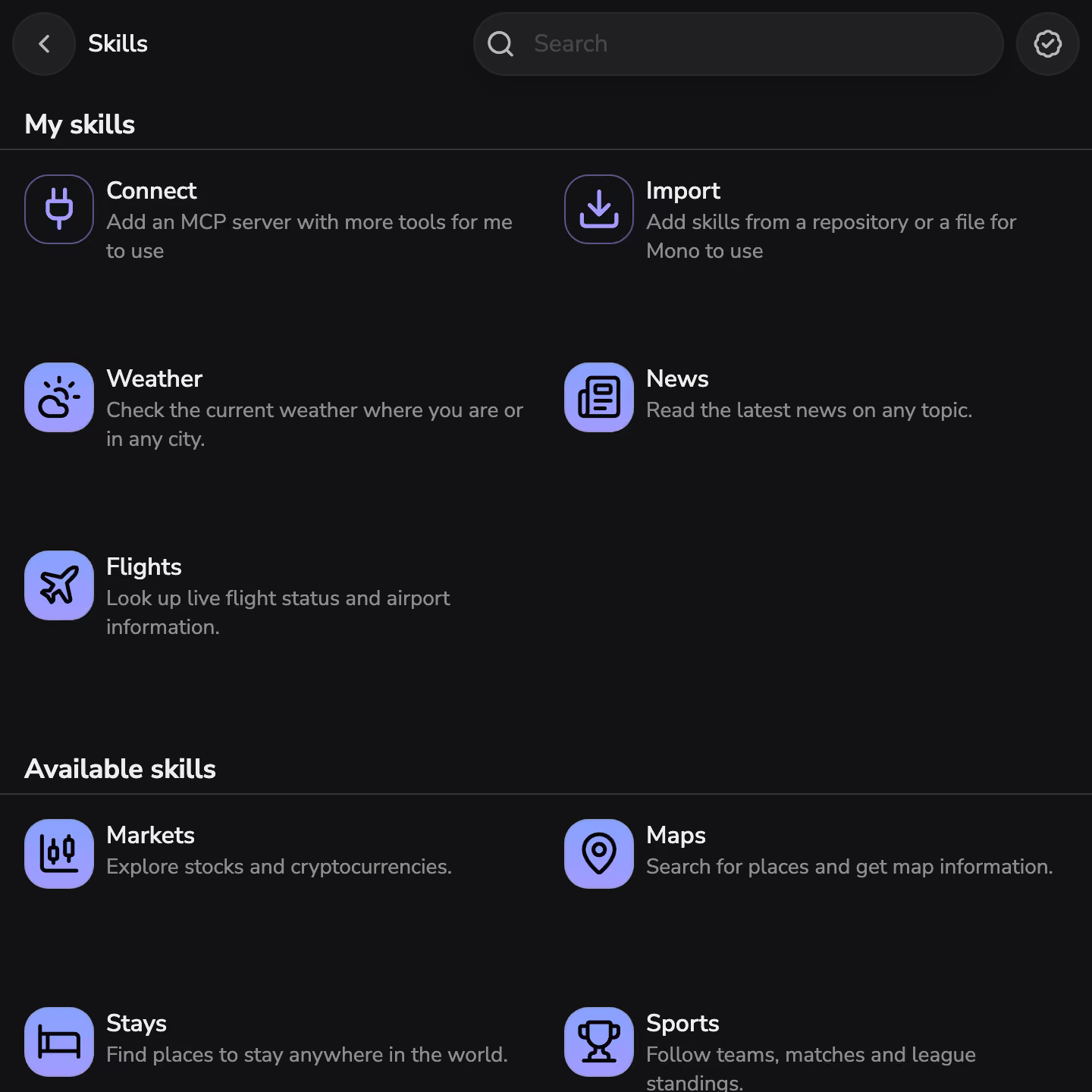
Skills are small add-ons: a morning briefing, live flight status, a price watcher. Install one from the store, or describe a job and Mono sets it up as a task.
Weather, news, and flights, or connectors for Notion, Slack, and GitHub. Each one lists what it can access before you add it, and updates itself.
When the store doesn’t have what you need, describe it. Mono sets up a task, tries it, and saves it once it works.
Skills show up as widgets: headlines, charts, and numbers that refresh on their own.
Type /flight LH400 in the chat and the skill answers right there.
Vault
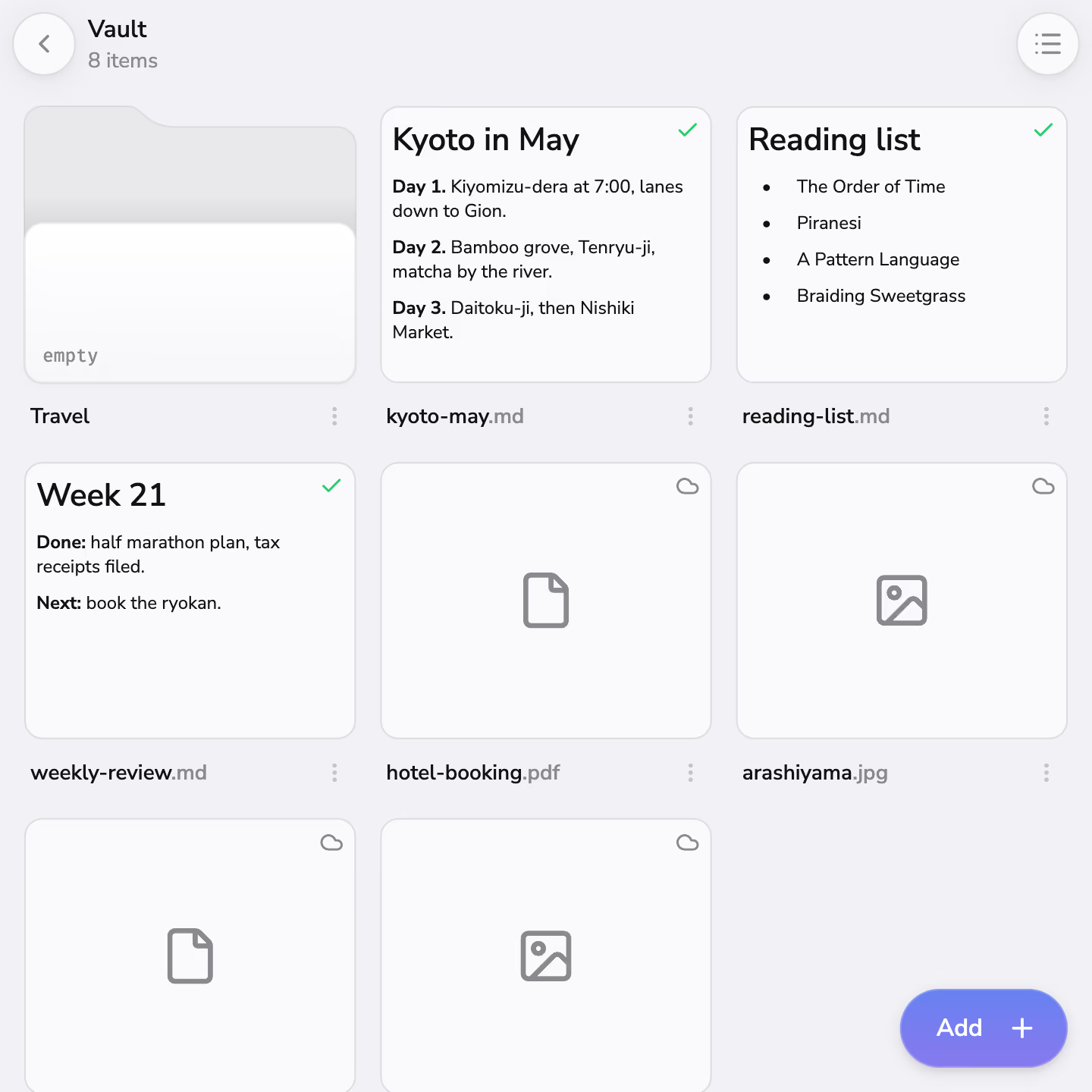
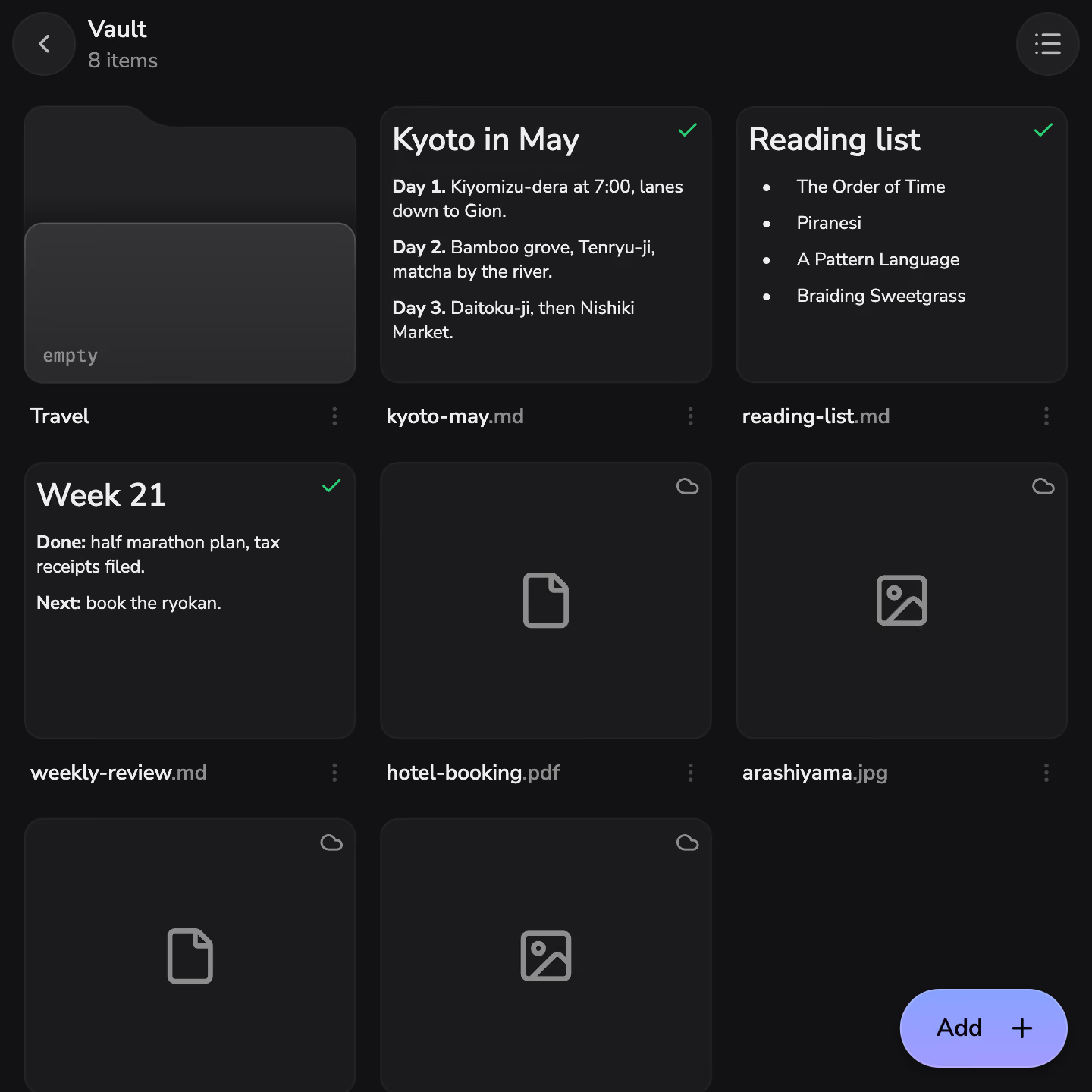
A home for the files and notes you want with you everywhere. Upload, organise, write, and open them from any device. Encrypt what only you should read, and share the rest.
Upload photos, documents, and videos, sort them into folders, and drag files in from other apps and out to them.
A clean editor for notes with headings, lists, tables, images, links, and quotes. Edits save themselves.
Turn end-to-end encryption on for new files, or on and off for any file already there. Only your devices can open an encrypted file.
Give a file a link, or list it on your public profile. Everything else stays private.
Tasks
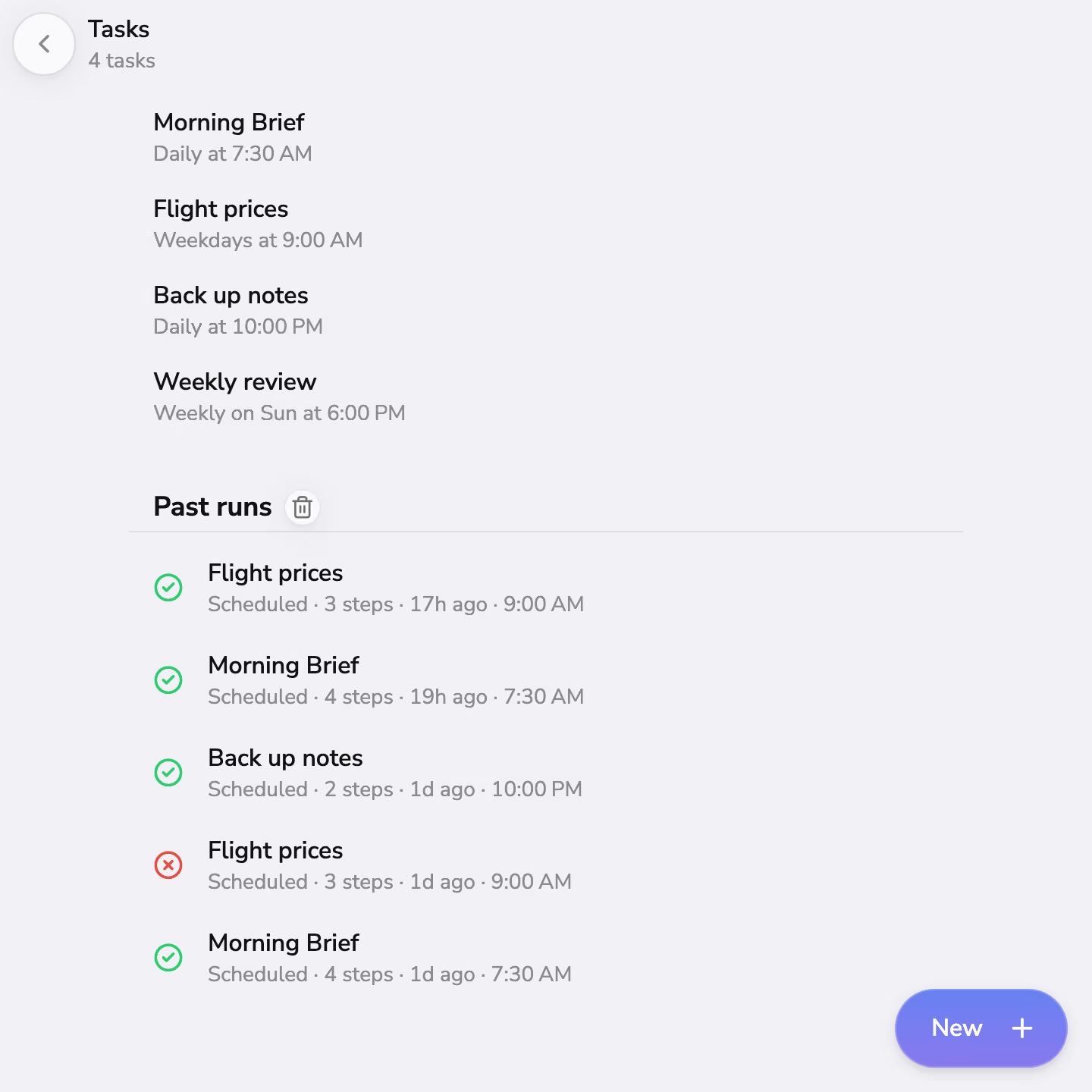
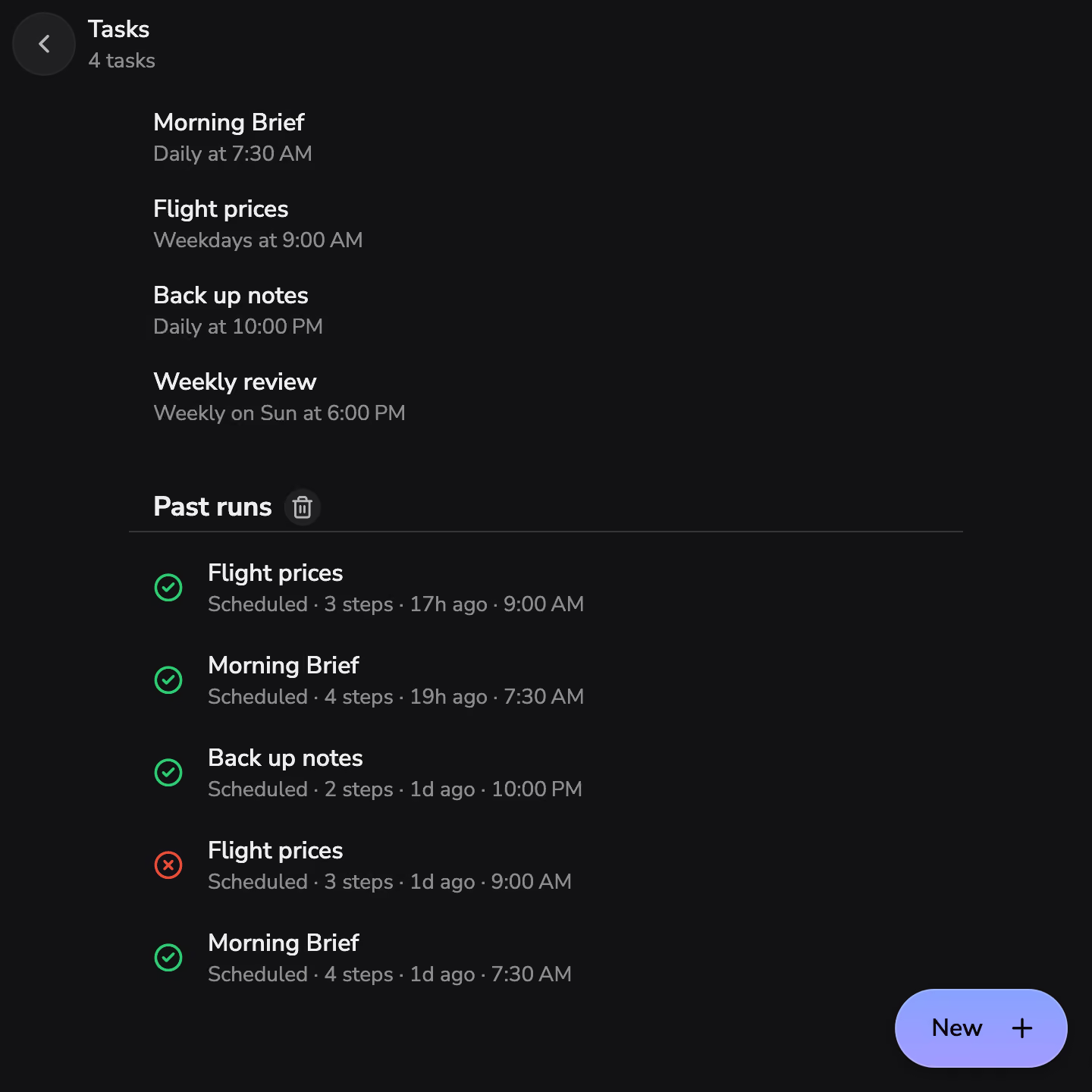
Describe a job in your own words, or pick your skills, and set how often. Every run is recorded, and you can start one by hand whenever you like.
Say what you need and how often. Mono finds what it takes, gives it a test run, and saves the task once it works.
Manual, every few hours, daily, weekdays, or weekly, with a 24-hour time picker in 5-minute steps.
Each run ends with a notification: Completed or Failed. Task notifications have their own toggle in Settings.
The last 50 runs are kept, and each one shows what every module step did: ok, error, or skipped.
Code
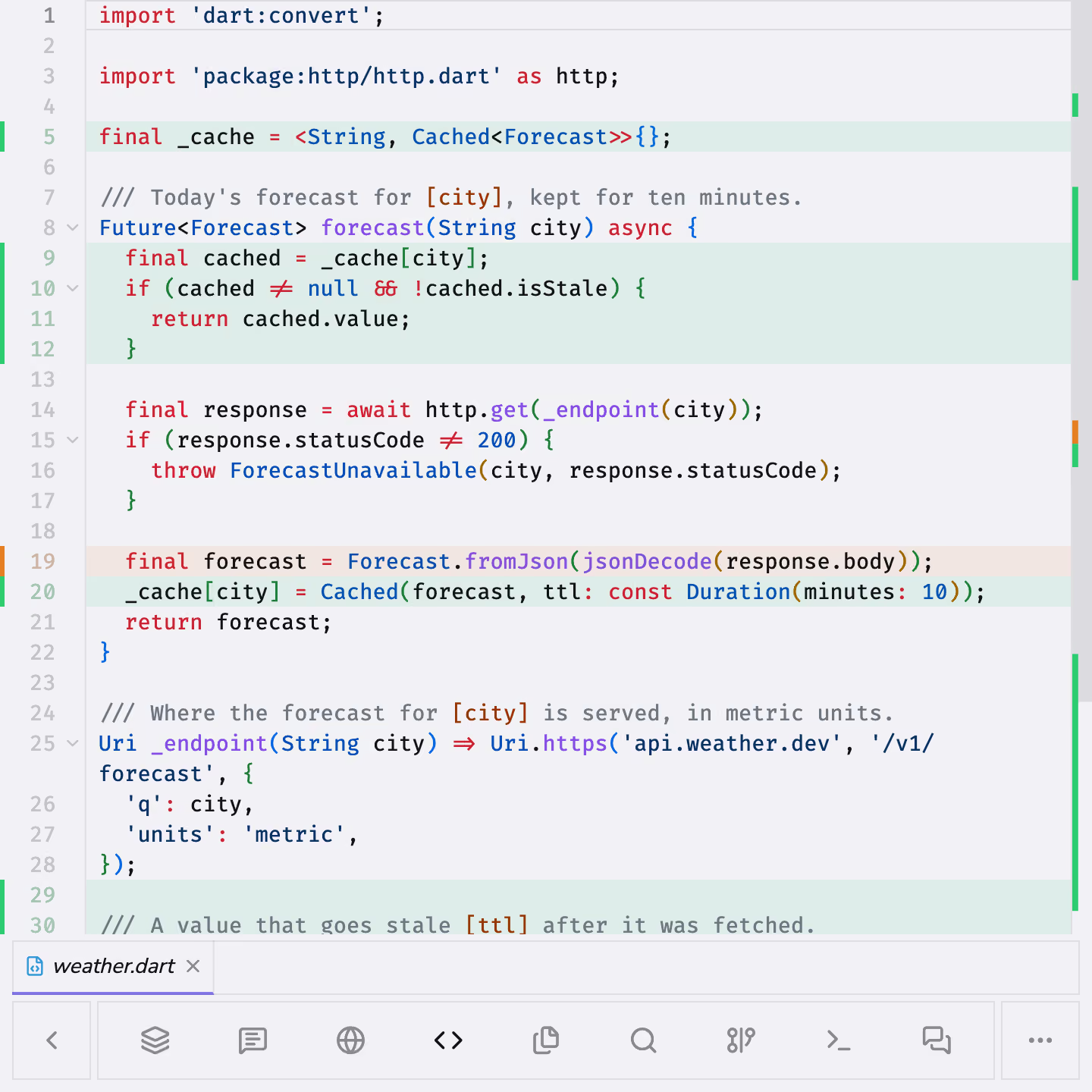
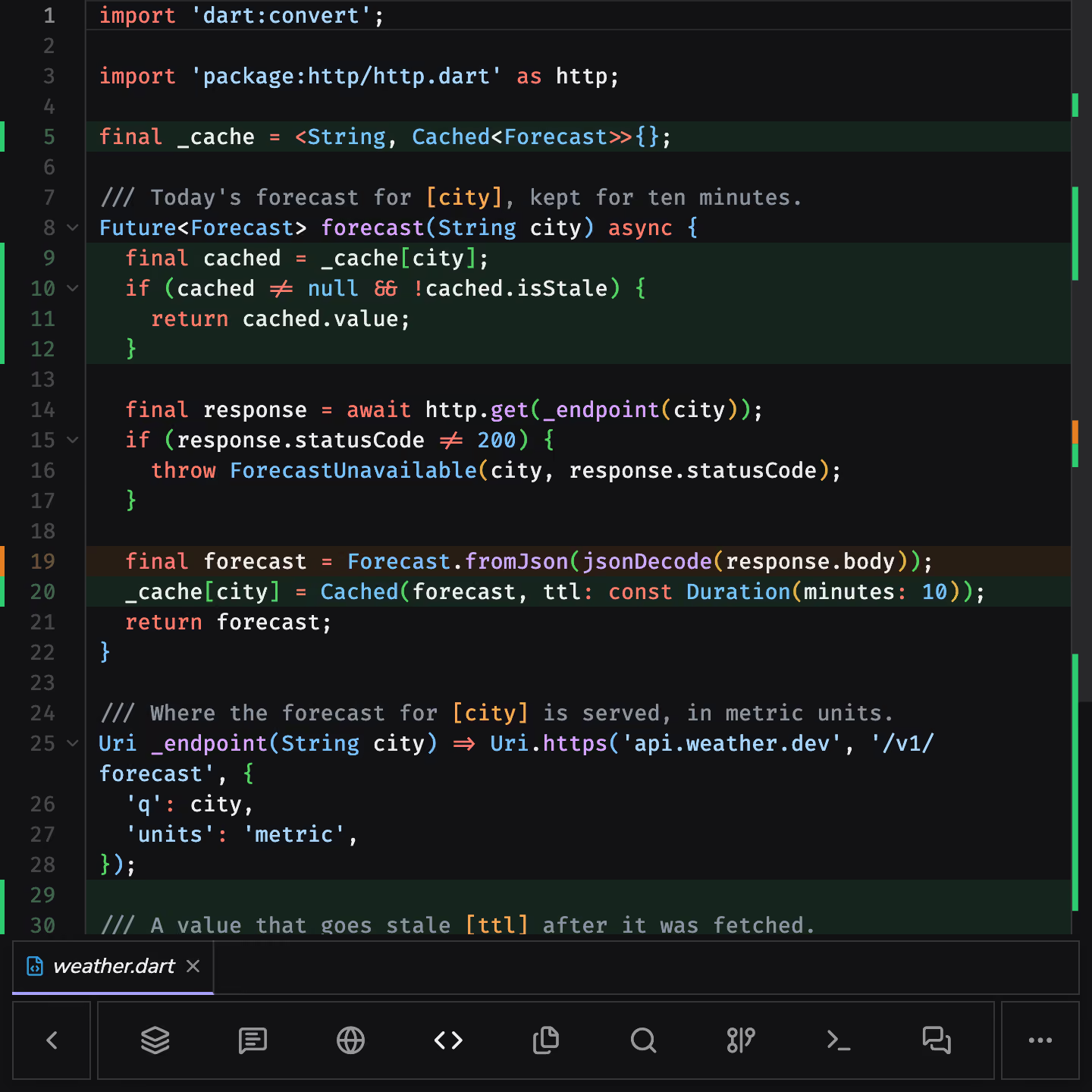
Start from a repository or a new website. Run coding agents in the cloud or on your own computer, and follow them from any of your devices.
Run Mono’s own agent, Claude Code, Codex, Gemini CLI, Grok Build, Kiro, or OpenCode, with edits shown as diffs.
Each runs in its own container, with no computer of yours switched on, and can open a pull request.
See a preview after each turn, then publish at your own address or a custom domain.
On your own computer, frames are encrypted with AES-256-GCM using keys only your devices hold. The relay routes what it can’t read.
Privacy
Mono locks your chats, memory, and settings before they sync. We keep them safe for your other devices, and can’t read them.
Pricing
Every new account gets 100 credits. Add more whenever you need them, and spend them in Mono, Studio, and Links.
See how credits workFor business
Give your team Mono with shared credits, a spending limit for each member, and the features you choose: Vault, Code, and skills. Every seat includes Studio and Links too.
≈ $29per member a month
or ≈ $285 a year
One team balance everyone spends from, with automatic top-ups and an email when it runs low.
Set how many credits each member can spend a month, app by app.
Choose who can use which app and feature: Vault, code, and skills in Mono; articles and newsletters in Studio; and Links.
Accounts on your company’s domain are managed by the team. The team names them and can suspend them.
Require two-factor sign-in before anyone publishes for the team or spends its credits.
A log of every change to the team, and usage reports by member, identity, and app that you can export as CSV.
Localisation
The app and every skill in the store ship in the same 14 languages.
Blog
Short, practical guides, one task at a time.
Set AI chats to delete by age or by count, save the conversations that matter first, see what auto-delete leaves behind and check that the rule works.
Limit what your AI assistant can do with emails, web pages and files, keep approvals on, test your setup safely and know what to do if it’s steered.
Ask AI about a photo or screenshot and get an answer you can check: prepare the image, ask for a transcription first and keep private details out.
Get started
Big things start small: a question, a note, one little automation. Take Mono with you and build a day that runs itself.
