Ready-made skills
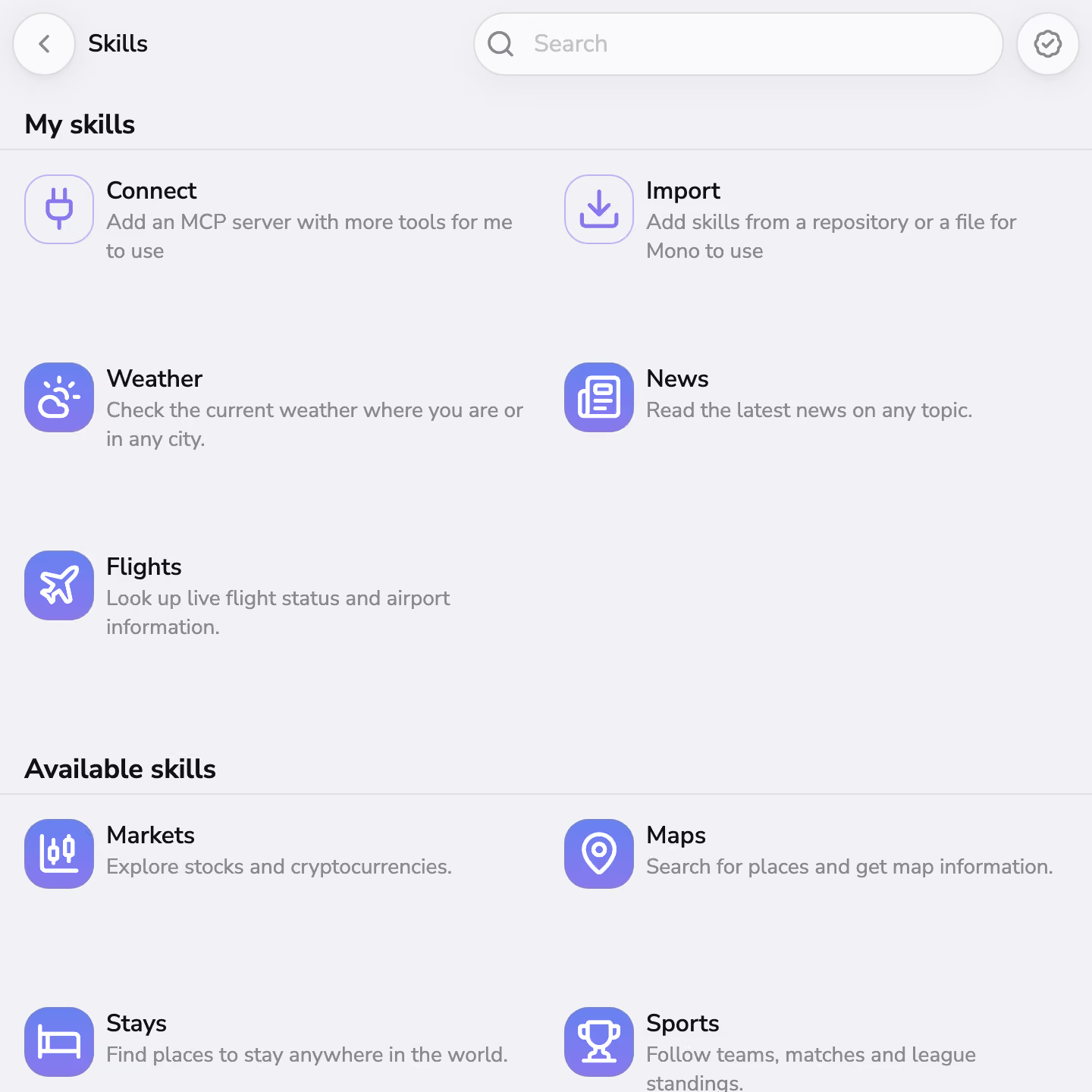
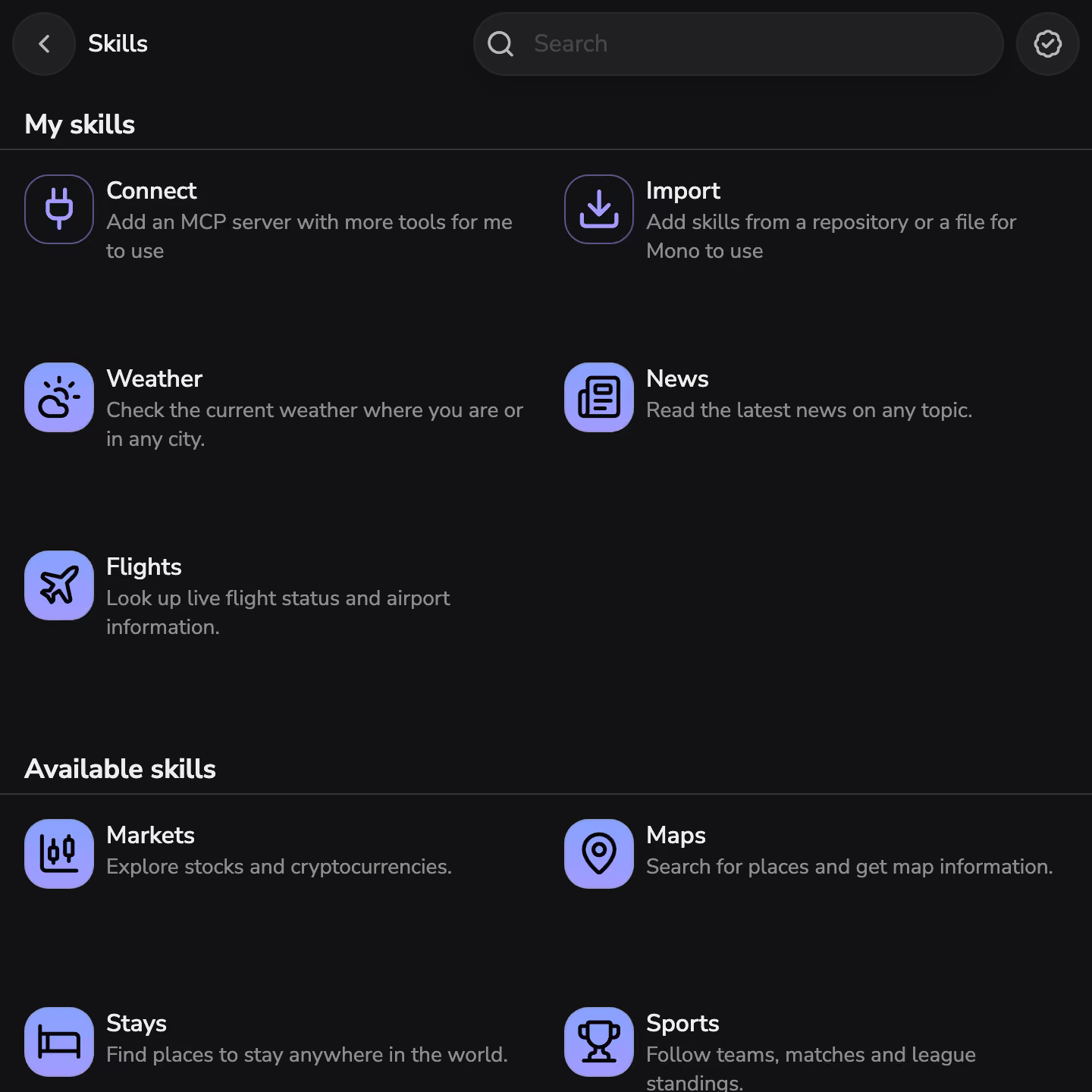
Browse the store, press install, done. There are skills like Weather, News, Flights, and Markets, and connectors for Notion, Slack, Linear, GitHub, and more. Every listing shows what it can access before you add it, and skills update themselves.
Tasks from a description
When the store doesn’t have what you need, describe it in plain words. Mono sets up a task, tries it, and saves it once it works. No code involved.
Build your own
Describe a skill and Mono builds it and tries it, or start from a template and lay out the steps yourself: web requests, RSS, scripts, branches, and saved values. A preview shows what comes out of each step, and a skill can also be imported as YAML.
Connect any MCP server
Add a server over HTTP or locally, sign in with OAuth or a token, and Mono can use its tools. A server that brings interactive views shows them in the chat.
In your chat and on your home screen
Skills show results as widgets: headlines, charts, and lists that refresh on their own. In the chat, type /flight LH400 and the skill answers right there.
Safe to try
Store skills are verified, each one lists exactly what it can access, and anything that wants to run a script asks you first. Remove a skill and everything it added goes with it.