Files and folders
Upload several files at once, sort them into folders, and select, copy, and move like a file explorer. Drag files in from other apps and out to them. If a name is taken, Vault says so instead of quietly renaming.
Vault
Vault keeps files, photos, videos, and notes in one place, available from every device you sign in on.
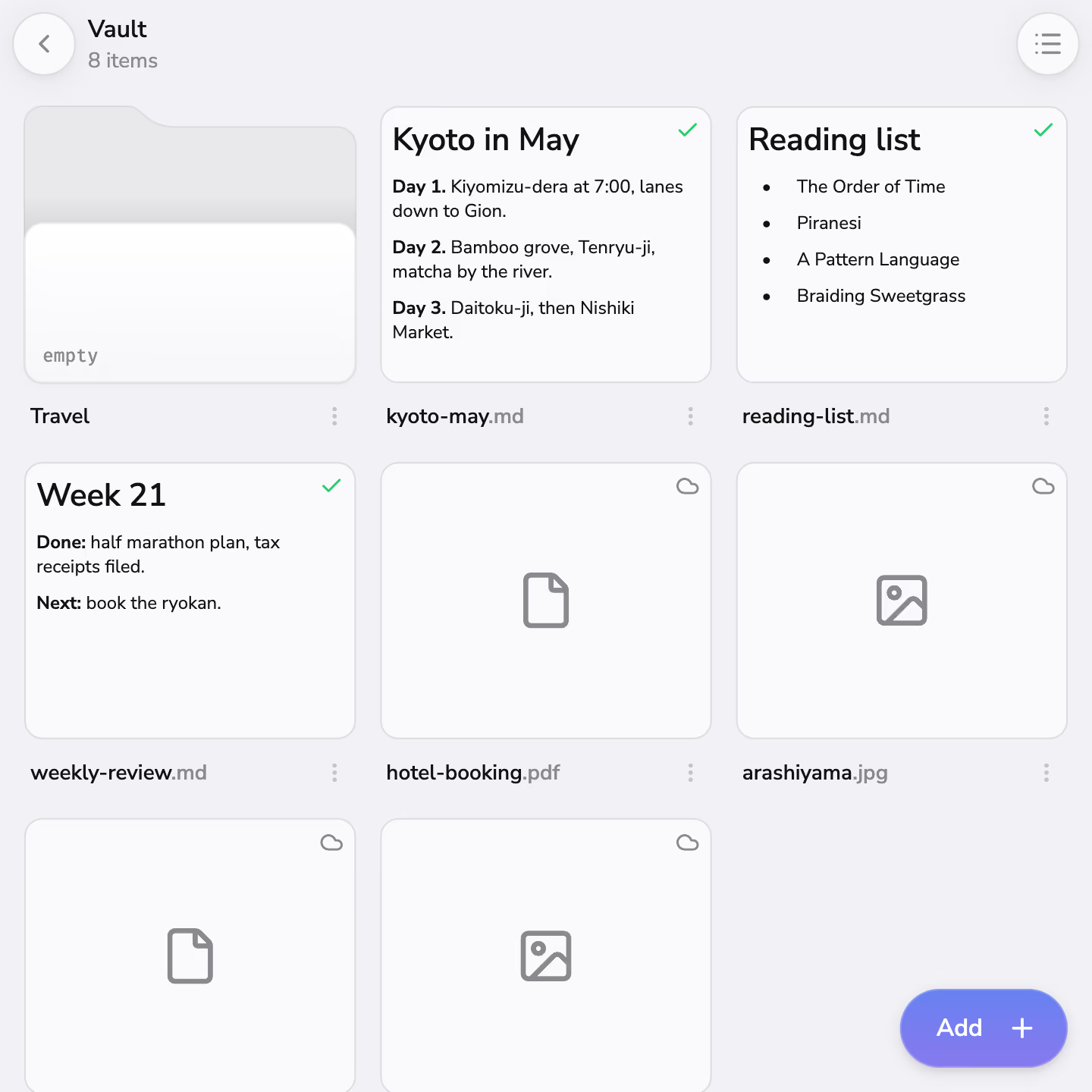
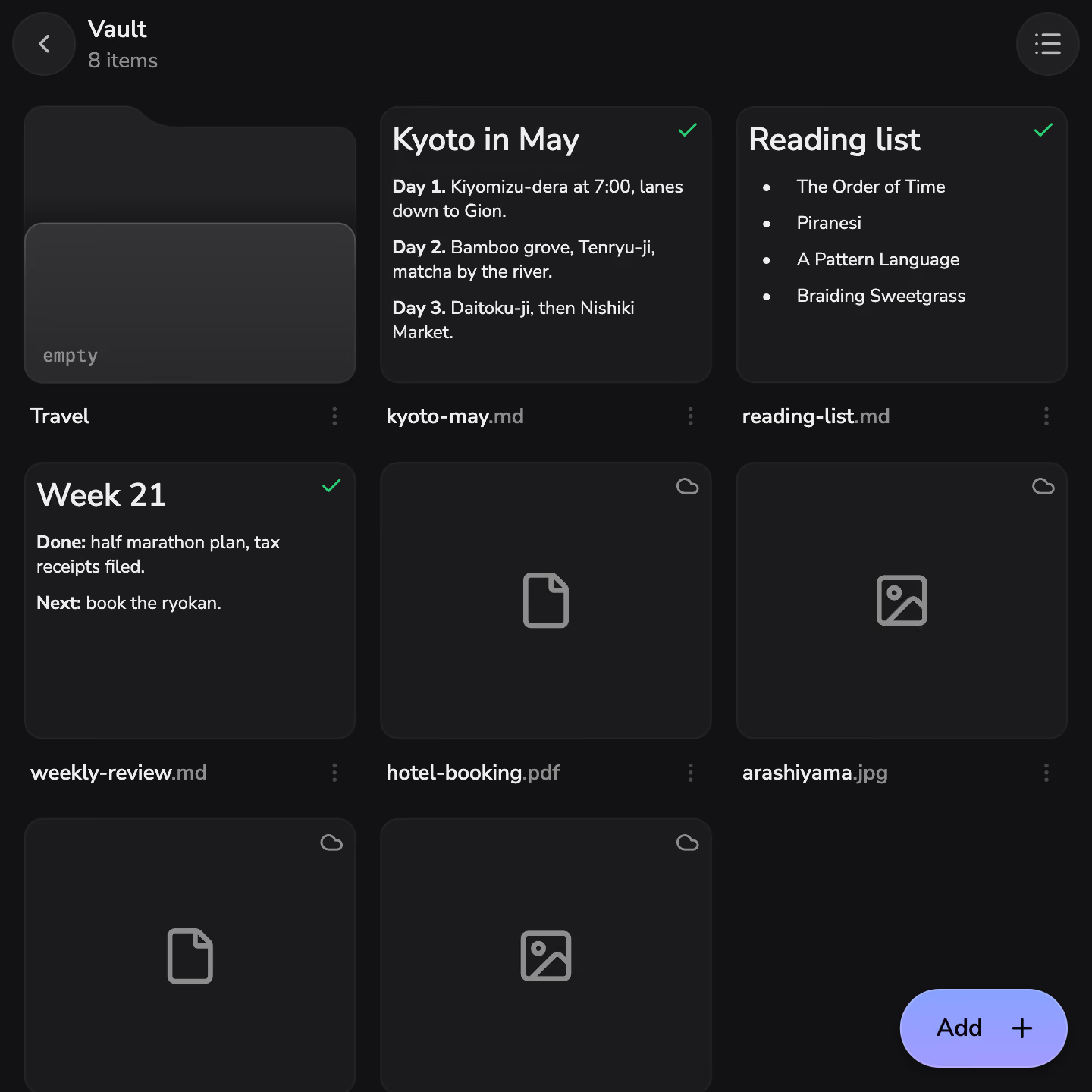
Upload several files at once, sort them into folders, and select, copy, and move like a file explorer. Drag files in from other apps and out to them. If a name is taken, Vault says so instead of quietly renaming.
Write in a clean editor with headings, lists, tables, images, code, links, and quotes. Your edits save themselves, and notes live next to the files they belong to.
Turn it on for new files in Settings, or encrypt and decrypt any file already in your Vault from its menu. An encrypted file’s content, name, and type open only on your devices. Folder names, sizes, and dates aren’t encrypted, and an encrypted file can’t be shared or read by skills.
Files are private until you share one. Anyone with its link can view and download it, and you can also list it in the Vault tab of your public profile. Set it back to private and the link stops working for good.
Photos open full screen and zoom in close, videos play in the app, and text and code files open in Code’s editor. Everything you open once loads faster the next time.
Add a file on your computer, open it on your phone. Vault is the same on iOS, Android, macOS, and Windows, and what you add offline uploads once you’re back online.
Upload files from any device, or write a note right in the app.
Sort things into folders. Drag, drop, rename, done.
Everything shows up on all your devices, ready to view or edit.
Drop a file on one device. It is already waiting on the rest.
Photos, video, and notes open right where they live.
Vault doesn’t try to be clever. You drop files in, they upload with a progress bar, and they are there on your other devices when you look. Photos zoom, videos play, notes open in a clean editor.
The details are handled: folders nest as deep as you like, moves are drag and drop, and a duplicate name gets rejected instead of silently renamed. Files you have opened stay cached, so nothing downloads twice.
Upload any number of files together, each with its own progress.
Markdown notes sit next to the files they describe.
Your files are reachable only when you are signed in, unless you share one.
Folders first, names sorted, duplicates rejected.
Big things start small: a question, a note, one little automation. Take Mono with you and build a day that runs itself.
Download Mono