Coding agents over ACP
Run Mono’s own agent, Claude Code, Codex, Gemini CLI, Grok Build, Kiro, or OpenCode. Follow the agent’s plan, see its context and cost, and attach photos and files. Edits show up as diffs you can read before you continue.
Code
Run coding agents in the cloud or on your own computer, edit files, open terminals, commit, and publish websites from any of your devices. Sessions keep running when you disconnect.
Run Mono’s own agent, Claude Code, Codex, Gemini CLI, Grok Build, Kiro, or OpenCode. Follow the agent’s plan, see its context and cost, and attach photos and files. Edits show up as diffs you can read before you continue.
A cloud session runs in its own container, with no computer of yours switched on. Give a project a repository, a setup script, and variables, and it can open a pull request. It starts when you send a message, stops once it’s idle, and costs 80 credits an hour, charged five minutes at a time.
A managed project is a website with its hosting and Git taken care of, at its own reunified.site address or a custom domain. You get a preview after each turn, and Publish when it’s ready. Make it public, team-only, or private, and see its visitors, top pages, referrers, countries, and devices.
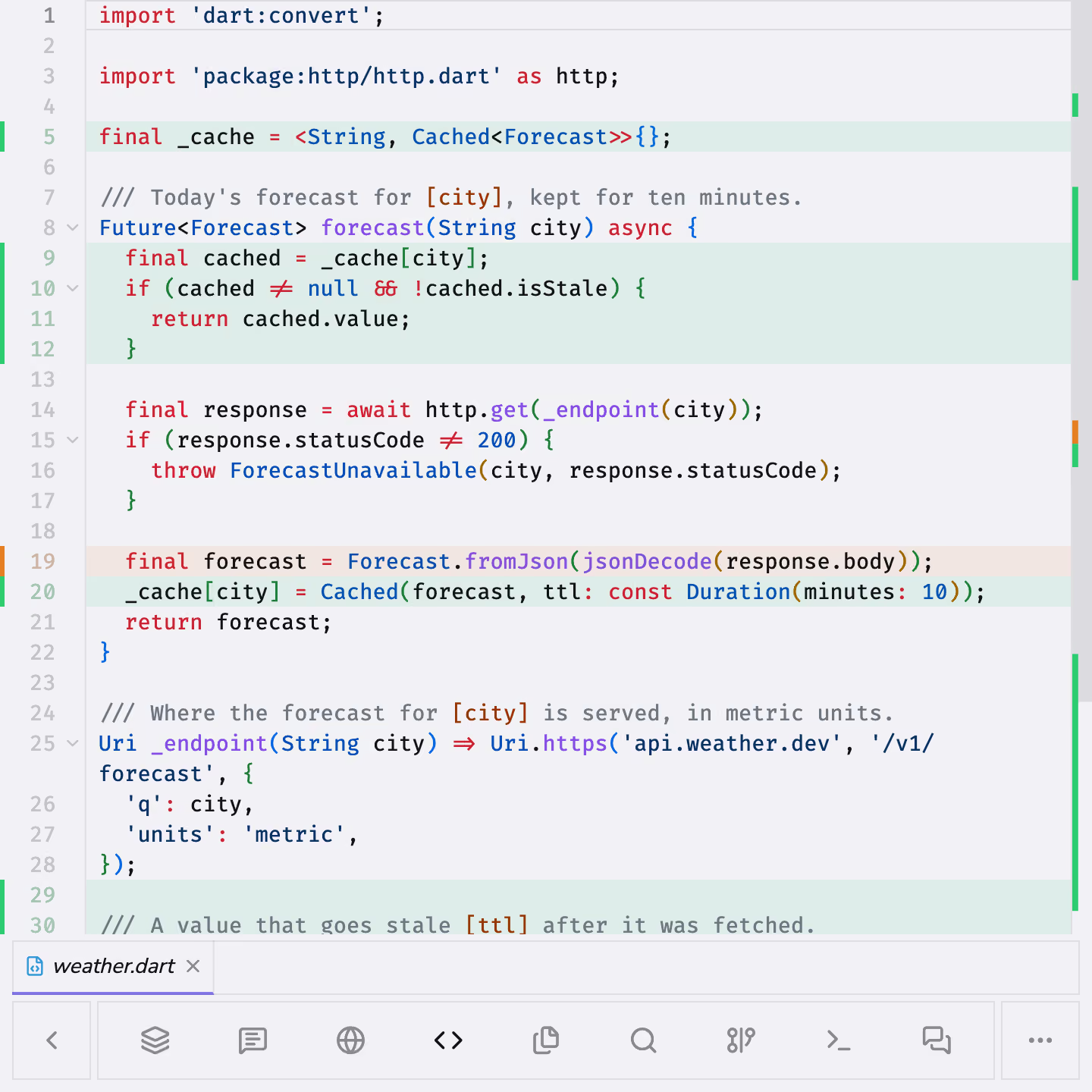
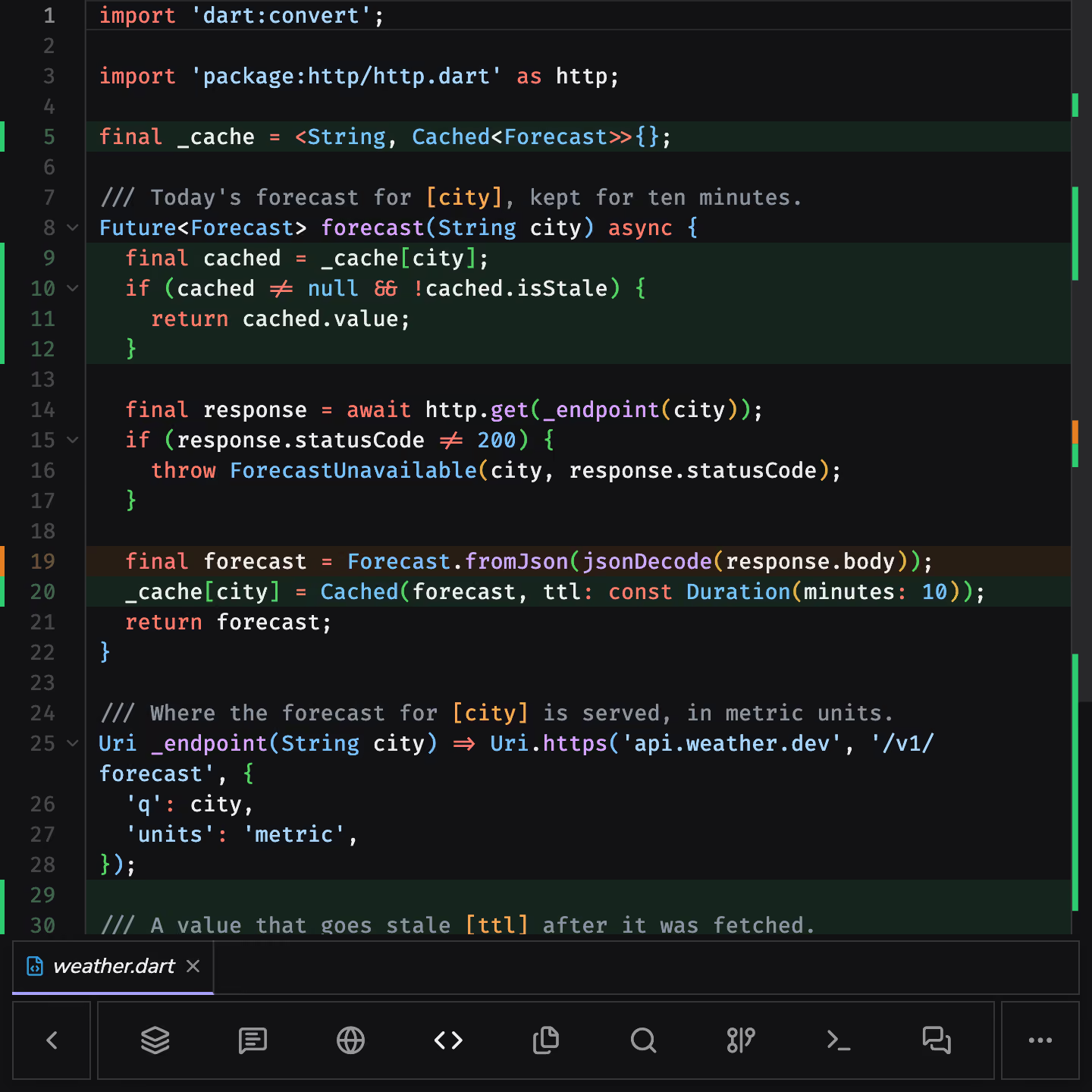
Syntax highlighting for 20 languages, and language servers for 12 with definitions, references, and formatting. Tabs, several carets with VS Code’s keys, find and replace with regex, and search across the project. Edits save themselves.
The gutter marks added and changed lines, and pressing one opens the diff. Create and switch branches, choose which files go in a commit, discard changes, and let the agent write the commit message.
On your own computer, devices derive a session key with HKDF-SHA256 from a master key only they hold, then encrypt every frame with AES-256-GCM. The relay routes opaque frames and can’t read them, and file access on the host is jailed to project folders. A cloud session runs on our servers instead.
Add a repository, choose a managed website, or pick a folder on your computer.
Each session runs in the cloud or on a computer that has the project.
Prompt the agent, type in a terminal, review diffs. Leave and come back, and the session is still going.
Sessions run on your computer or in the cloud, not in your pocket. Close the app, catch a train, pick up where it kept working.
The editor highlights 20 languages, runs language servers for 12, and saves your edits on its own. Git status lives in the gutter: added and changed lines are marked, and pressing a mark opens the diff for that hunk.
Agent sessions speak ACP, so seven agents plug in directly. On your own computer, every keystroke travels through an AES-256-GCM channel between your devices, and the relay passes sealed envelopes. In the cloud, the work lands in your repository.
The host only serves files inside project folders you chose.
An offline computer gets a push and reconnects on its own.
Disconnect any time; you re-attach to the live session.
Agent edits arrive as diffs you can read first.
Big things start small: a question, a note, one little automation. Take Mono with you and build a day that runs itself.
Download Mono